

5 Handy Porsche Panamera Touchscreen and Button Features
Published: 2018.07.13
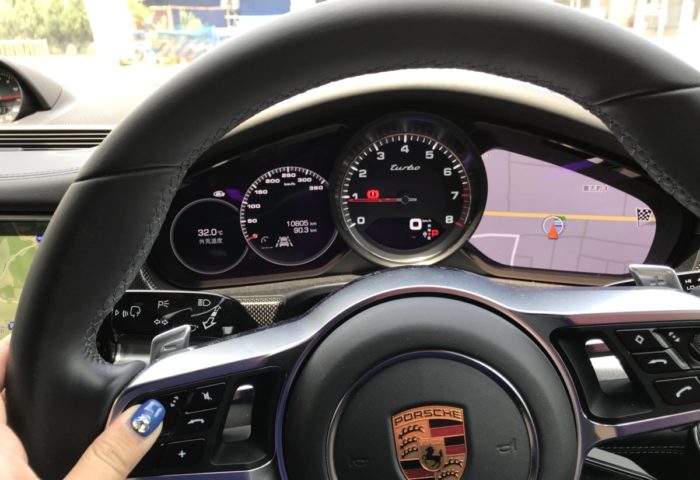

④ The Mode Switch
The mode switch sits below and to the right of the steering wheel.
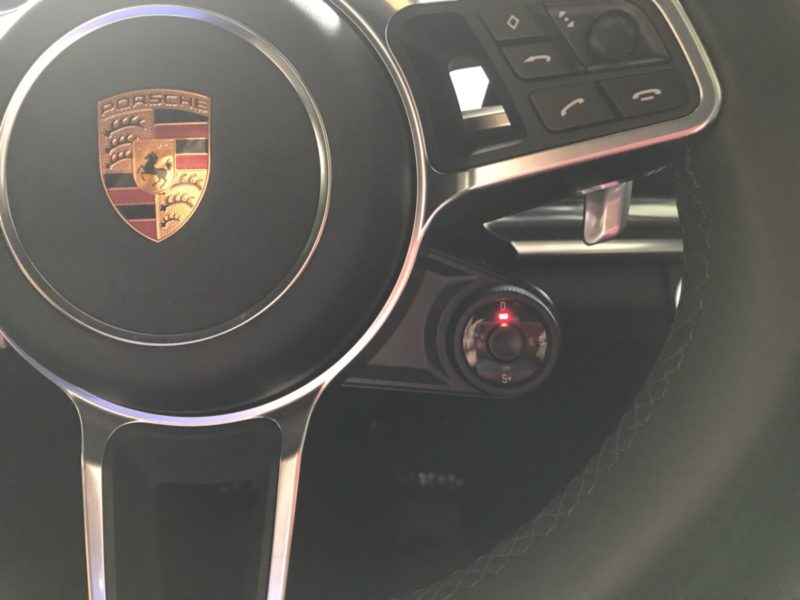
Turn the dial to quickly switch between Normal, Sport, Sport Plus, and Individual modes. I don’t usually use Sport or Sport Plus in everyday driving, but I do use Individual mode quite often. (Turn the dial one click to the left.)
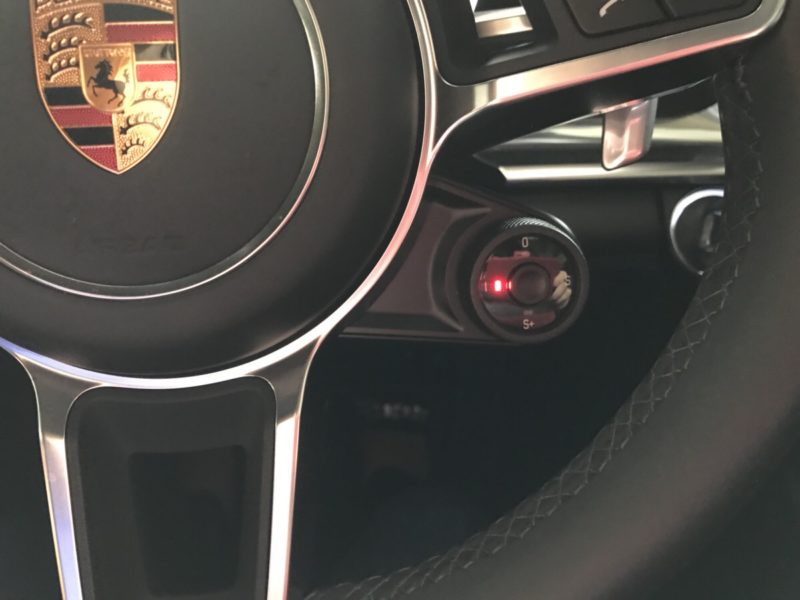
Set up your preferred combination of vehicle settings in advance, and you can switch to it just by turning the dial. We’ve configured ours to make the exhaust louder, stiffen the suspension, and raise the rear spoiler (the engine settings stay the same, so it’s more about the sound and the look). There’s a long hill near our house, and I sometimes switch to Individual mode there to enjoy the sound.
One thing to keep in mind: before parking, switch back to Normal mode while you’re still driving. Otherwise, the rear spoiler won’t retract. (It won’t respond if you turn the mode dial after stopping, so the spoiler stays raised.)
⑤ Parking Information
Press the “APPS” button on the center console, or tap “Apps” on the touchscreen, and you’ll see a screen like this:
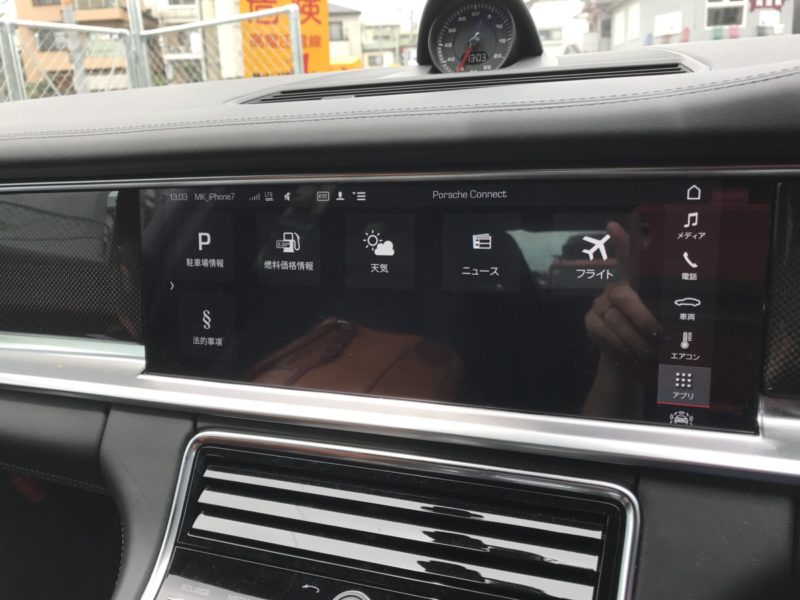
Select “Parking Information” to see nearby parking options.
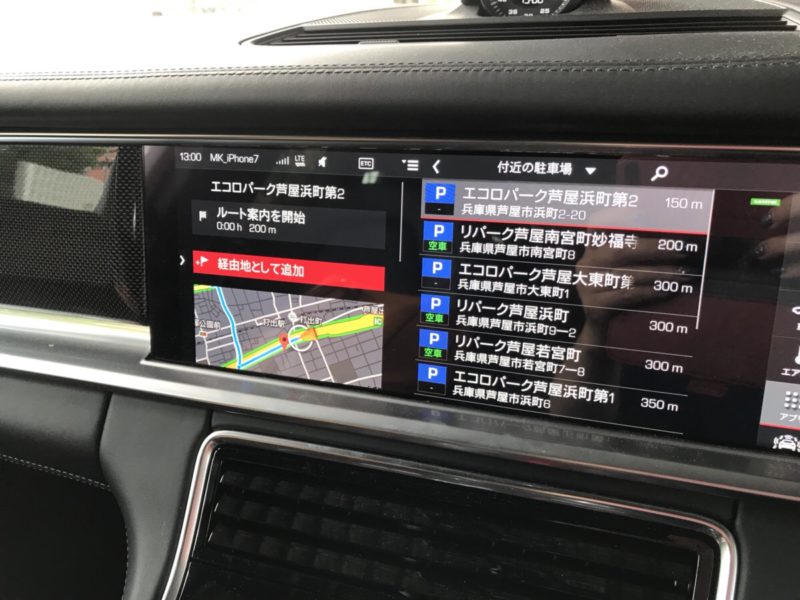
It even tells you whether spaces are available, which is a nice touch. That said, I find parking apps on my phone easier to use. But if I’m driving and can’t check my phone, I can use the screen to look for parking nearby.
⑥ Bonus Feature
One thing I found amusing—and couldn’t help commenting on—was the “News” feature in the screen that appears when you press “APPS” (the touchscreen apps button). I assumed “News” would show regular headlines, like Yahoo! News, but this is what came up instead:
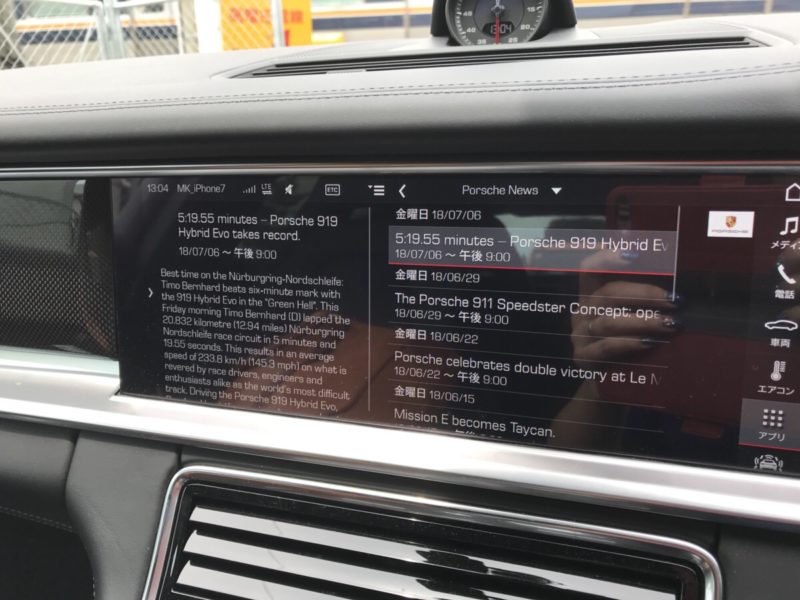
The 919 Hybrid Evo setting a lap record at a circuit, the 911 Speedster concept…
…Wait, it’s all Porsche news! (゚д゚)
It’s still a fun way to pass the time, and it keeps you up to date with the latest Porsche news, so I thought I might read it now and then. When I told my husband about it after he got home, he said:
By default, it only shows Porsche news, but if you log in to the My Porsche website and change the settings, you can subscribe to whatever RSS feeds you like. Not that you’d actually use it for news, though. Anyway, I know everything there is to know about the Panamera’s navigation system.
Well, he told me…
Wait, really?! (In more ways than one!)
I should have asked him from the start! I’d like to write another article about the features he finds useful. (And I’d love to hear about your favorite handy features, too!)
If you enjoy this blog, follow along.
Comment ( 0 )
Trackbacks are closed.
No comments yet.